Features
atHand stores the details you look up all the time and brings up the right record when it can help.
Coming soon to the App Store for iPhone.
Records for everything you look after
Everything you look after, each in its own record.
- People
- Vehicles
- Pets
- Homes
- Financial accounts
- Contacts
- Custom records
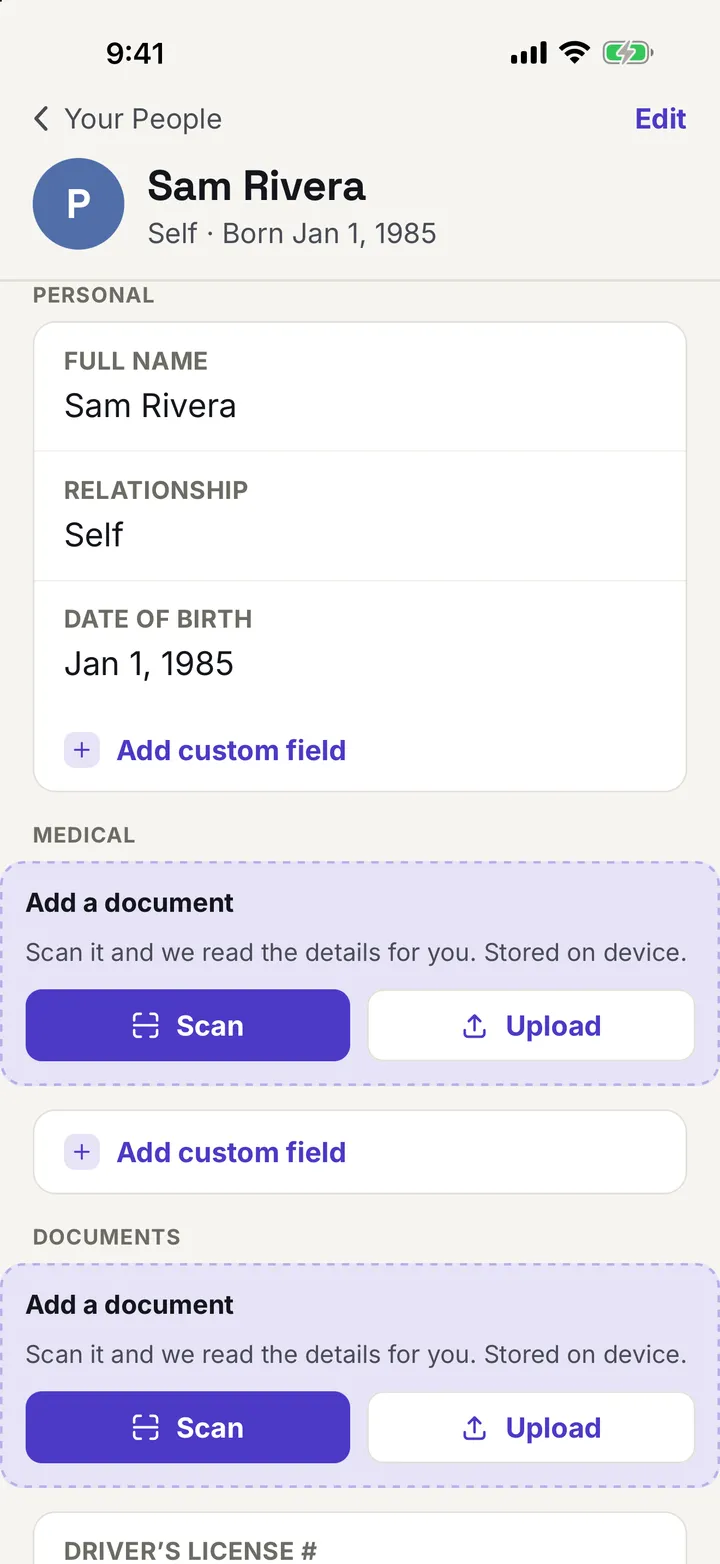
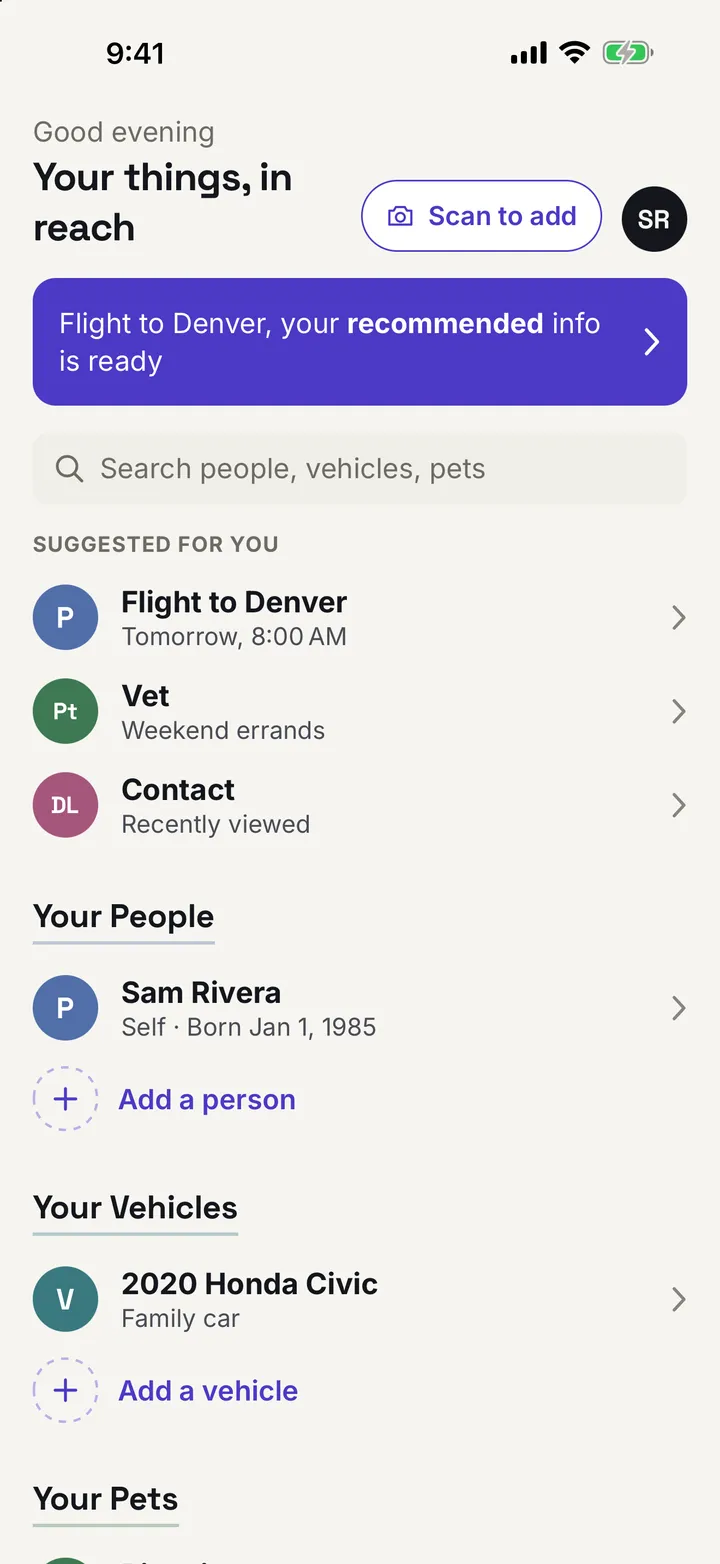
Add records for people, vehicles, pets, homes, financial accounts, and contacts, or make a custom record with your own labels.
Each detail is stored once, on the record it belongs to. A person holds identity, medical, insurance, and document details. A vehicle holds its plate, VIN, insurance, and roadside assistance number. A pet holds its microchip number, vet, and vaccine records.
Contacts, such as a doctor, a mechanic, or a vet, are records of their own, and you can link one to any person, pet, or vehicle.
Adding a record takes you through one section at a time, and you can save and close at any step. To make a change later, pick the section you want to edit.
Scan instead of typing
Point your camera at a document, then check what atHand read.
Check what we read
Change anything that’s wrong before you save.
What we read
- Member ID
- XYZ000000000
- Group number
- 00000
Scan a driver’s license, passport, insurance card, VIN, vaccine record, utility bill, payment card, or business card.
atHand reads the barcode on a driver’s license and the machine-readable lines in a passport, and suggests matches from the text on other documents. Recognition runs on your iPhone.
Nothing is saved until you check it. atHand marks any field it is unsure of with “Check this,” and you can correct any field or retake the photo before saving.
Start with Scan to add on the home screen and atHand works out what kind of record the document belongs to. It recognizes licenses, passports, VINs, and contact QR codes, and asks you to choose for anything else.
The right record at the right time
atHand can suggest a record before you go looking for it.
- Time of day
- Your calendar, if you allow it
- Your location, if you allow it
atHand can suggest a record when it is likely to help, such as before an appointment on your calendar.
Suggestions use the time of day, whether it is a weekday or the weekend, the records you opened recently, and, if you allow them, your calendar and location. Matching runs on your iPhone.
If you allow location, Apple’s geocoding service receives your location to return the name of a nearby place. Read how atHand handles your information.
The suggestion banner says only that your information is ready. It never names a category, such as medical. When nothing matches with confidence, atHand shows no banner, and you can turn suggestions off at any time.
Hidden until you need it
Sensitive numbers stay masked until you tap Reveal.
Maple Street house
Alarm code
Alarm code, hidden until you tap Reveal
Maple Street house
Alarm code
0000
Sensitive numbers, such as passport numbers, account numbers, alarm codes, and Wi-Fi passwords, stay hidden until you tap Reveal, and hide again when you leave the app.
Locked to you
Face ID, Touch ID, or your passcode. No password to remember.
- Face ID
- Touch ID
- Your passcode
Lock atHand with Face ID or Touch ID, with your device passcode as the fallback. There is no separate password to remember.
The lock is on by default when your iPhone has Face ID, Touch ID, or a passcode set up. Choose whether atHand locks again as soon as you leave it, or after 5 minutes, 30 minutes, or 1 hour.
When you switch away from atHand, a cover hides your information in the app switcher, whether or not the lock is on.
Backups you control
An encrypted copy of your records, saved where you choose.
Encrypted backup
Protected by a passphrase you choose
- Your records and photos
- Saved wherever you like
- A one-time copy, not sync
Export an encrypted backup of your records and photos, protected by a passphrase you choose, and save it wherever you like.
A backup is a one-time copy, not sync. Importing one replaces all the data on that iPhone, and atHand asks you to confirm first.
A backup never includes your purchase, your settings, or your app lock setting.
Light and dark
Light or dark, your choice.
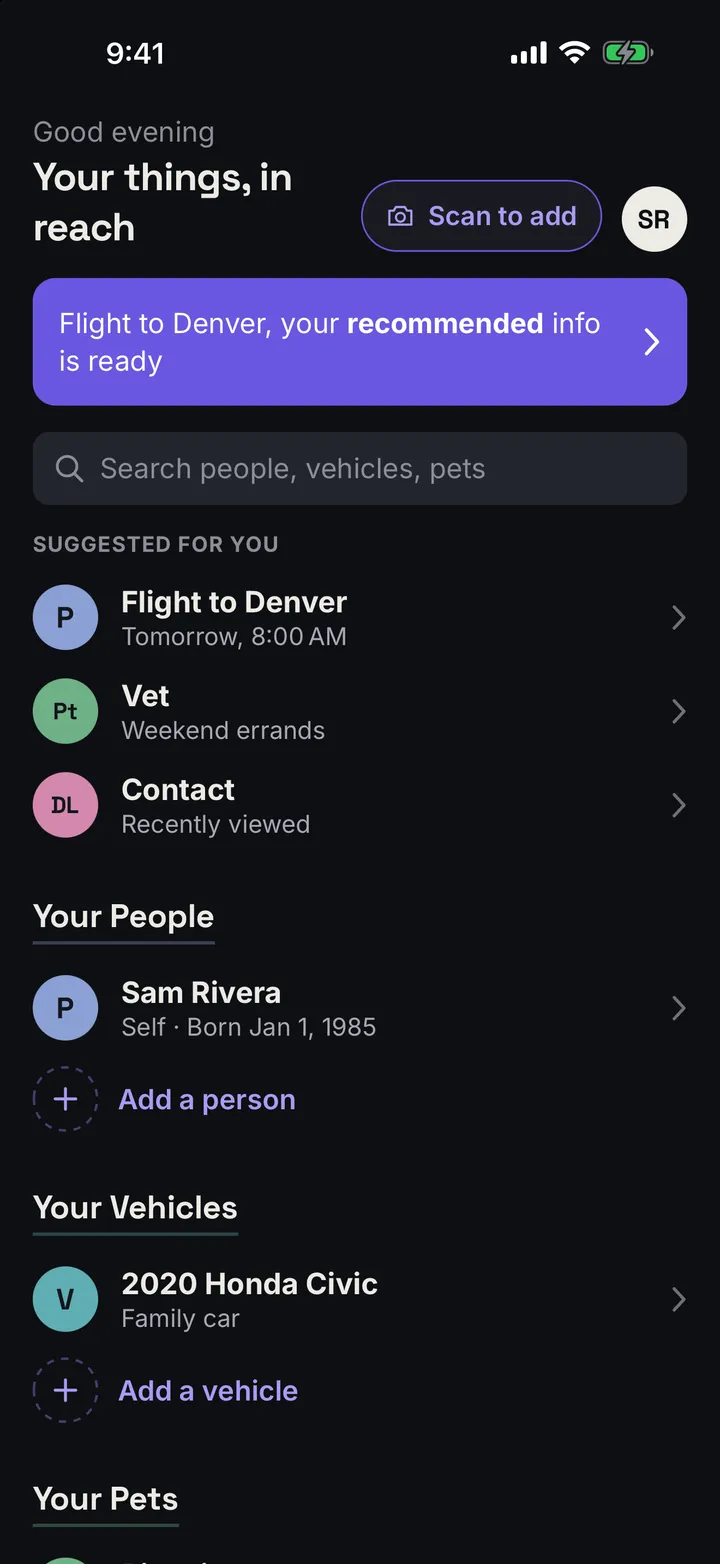
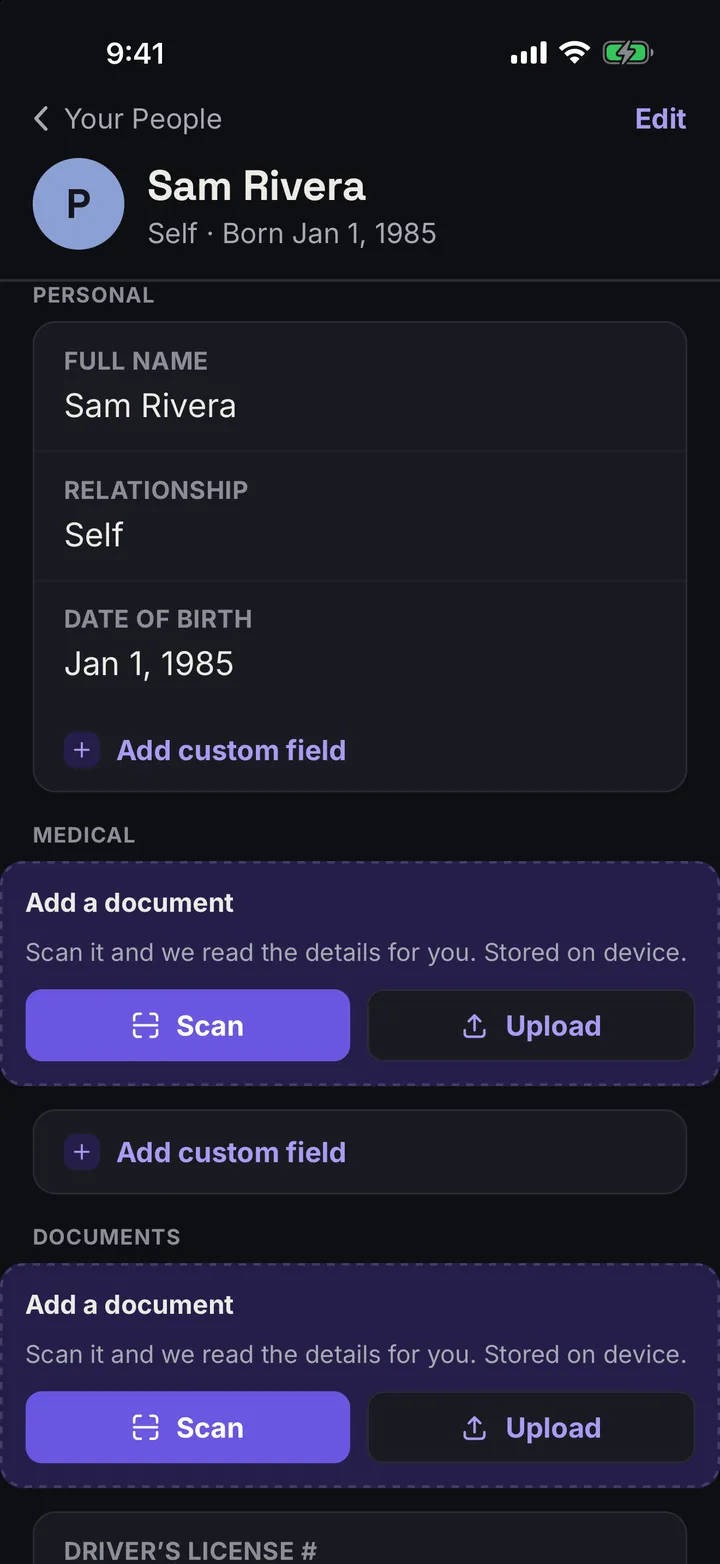
atHand follows your iPhone’s appearance, or you can choose Light or Dark in Settings.